> ## Documentation Index
> Fetch the complete documentation index at: https://signalschools.co.uk/docs/llms.txt
> Use this file to discover all available pages before exploring further.
# Welcome to Signal
> Documentation for Signal, the AI-powered safeguarding platform for UK schools.
Signal is an AI-powered safeguarding platform built for UK schools. It helps you record, track, and analyse safeguarding concerns, manage policies, transfer records securely, and use AI to surface patterns and recommendations.
Whether you are a Designated Safeguarding Lead (DSL), deputy DSL, teacher, or pastoral staff member, Signal gives you the tools to keep children safe while meeting your statutory obligations under Keeping Children Safe in Education (KCSIE) and the GDPR.
 ## Explore the documentation
Log in, set up your school, connect your MIS, and record your first incident.
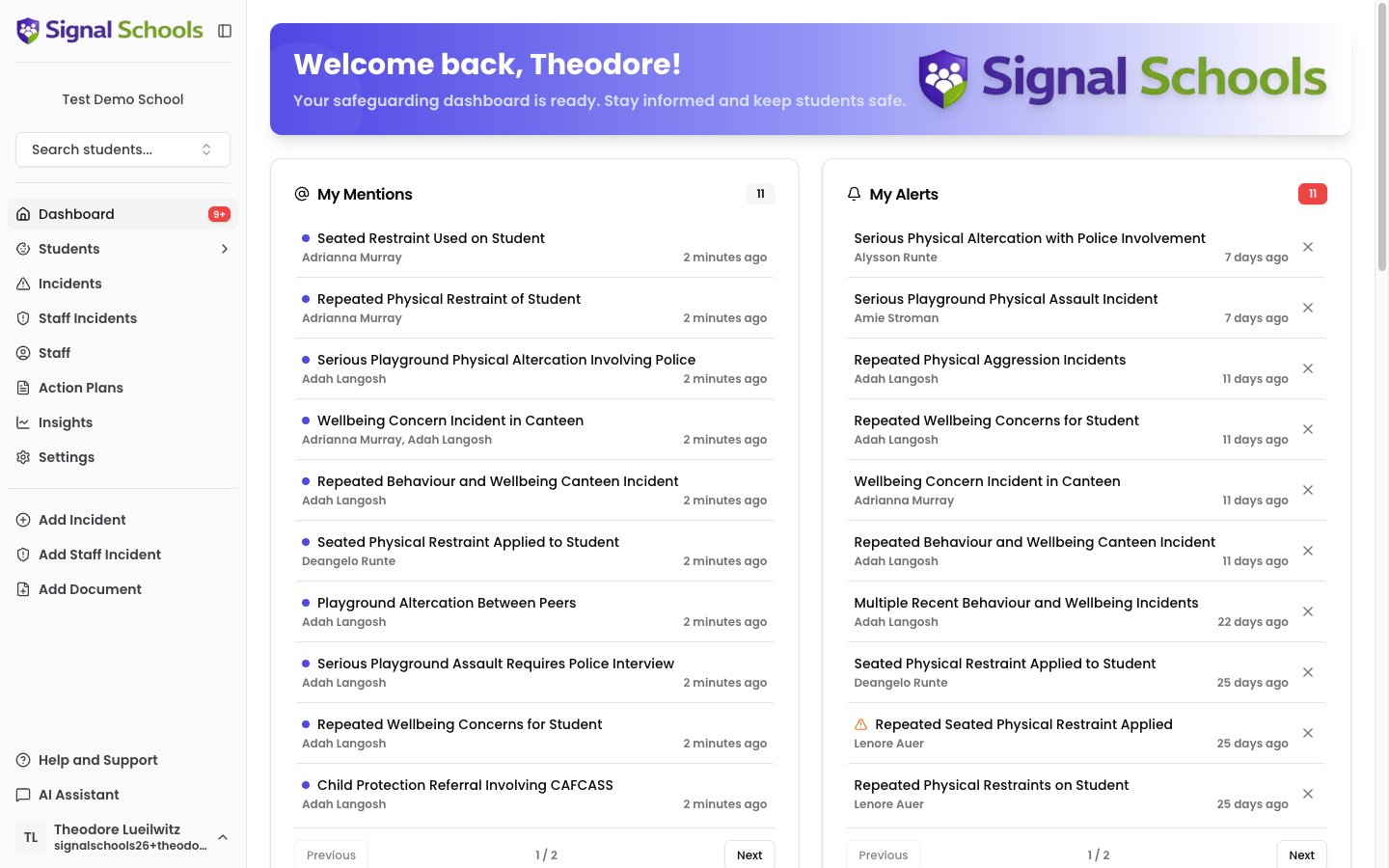
Your central hub for mentions, alerts, drafts, upcoming reviews, and quick stats.
Manage student records, contacts, groups, and restrictions.
Record and manage safeguarding concerns about students.
Record sensitive concerns or allegations involving staff members.
Upload safeguarding policies and let AI match them to incidents automatically.
Create structured intervention plans with scheduled monitors and AI-assisted reviews.
Automate your safeguarding response — alert staff, email parents, and restrict visibility.
Upload and manage documents linked to students or incidents, with AI analysis.
Securely transfer safeguarding records when students move between schools.
Explore how AI analyses incidents, generates action plans, and powers the AI Assistant.
Visualise safeguarding trends with interactive charts, filters, and exportable reports.
Manage staff accounts, roles, and Staff Groups for access control and alert routing.
Parent Mode, multi-academy trust support, subject access requests, and audit logs.
Frequently asked questions and troubleshooting guides.
## Explore the documentation
Log in, set up your school, connect your MIS, and record your first incident.
Your central hub for mentions, alerts, drafts, upcoming reviews, and quick stats.
Manage student records, contacts, groups, and restrictions.
Record and manage safeguarding concerns about students.
Record sensitive concerns or allegations involving staff members.
Upload safeguarding policies and let AI match them to incidents automatically.
Create structured intervention plans with scheduled monitors and AI-assisted reviews.
Automate your safeguarding response — alert staff, email parents, and restrict visibility.
Upload and manage documents linked to students or incidents, with AI analysis.
Securely transfer safeguarding records when students move between schools.
Explore how AI analyses incidents, generates action plans, and powers the AI Assistant.
Visualise safeguarding trends with interactive charts, filters, and exportable reports.
Manage staff accounts, roles, and Staff Groups for access control and alert routing.
Parent Mode, multi-academy trust support, subject access requests, and audit logs.
Frequently asked questions and troubleshooting guides.