Filtering data
Start by narrowing down to the data you want to report on:- Year Range — select the academic years to include using the From and To year pickers, such as from 2023/24 to 2025/26.
- Timeline — choose how that range is broken up in the report: Year, Term, Month, or Week. There is no custom date picker — you report on whole academic years, split by the timeline you choose.
- Categories — include only specific types of concern, or leave blank to include all categories.
- Year groups — focus on particular year groups or compare across the school.
- Exclude Student Groups — leave students in one or more groups out of the report. Groups can only be excluded; you cannot restrict a report to a single student group.
Chart types
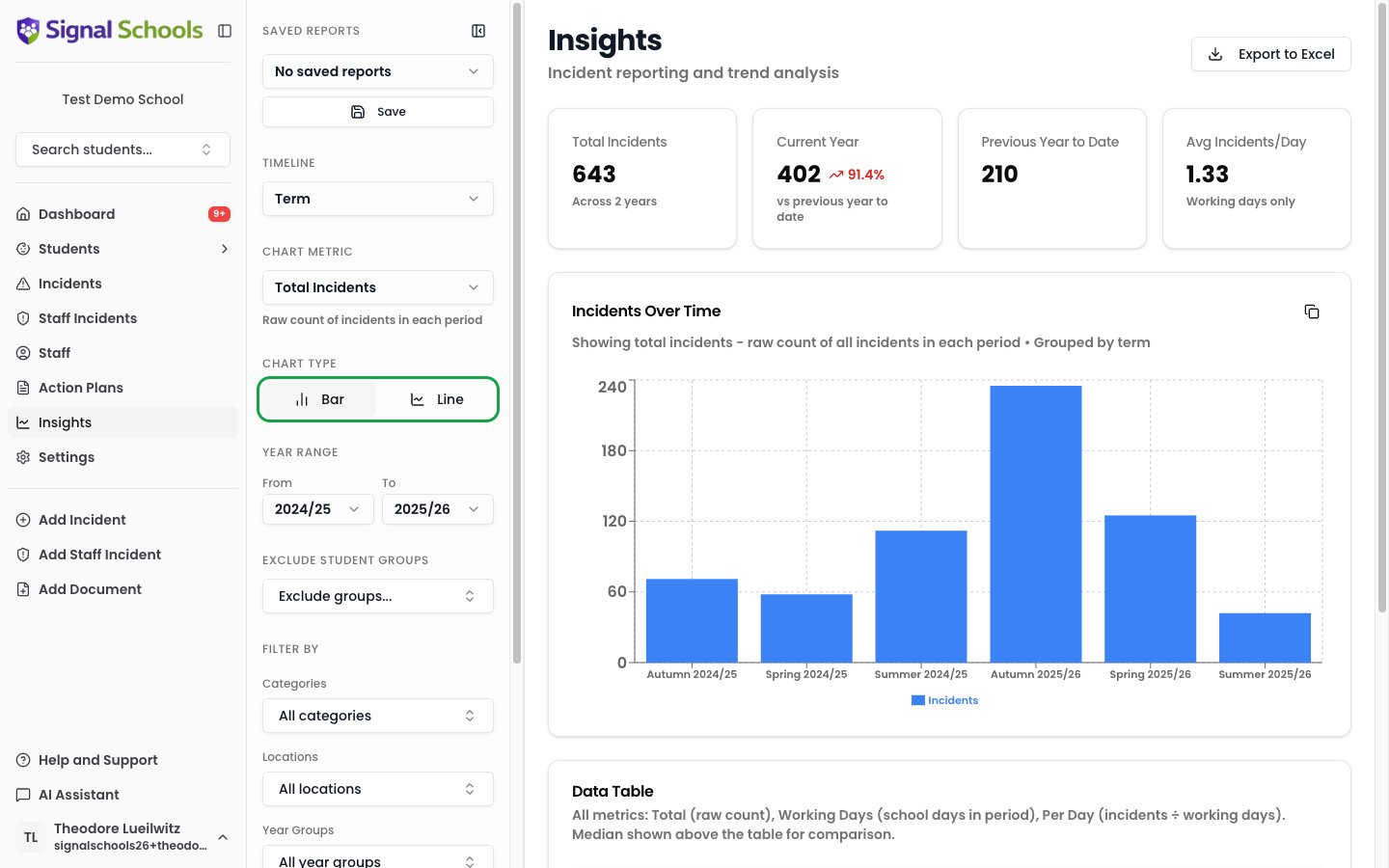
Toggle between two visualisation styles to find the most effective presentation:- Bar chart — best for comparing categories or time periods side by side.
- Line chart — best for showing trends and changes over time. Enable stacking for a filled area view that shows volume and proportions.
Exporting data
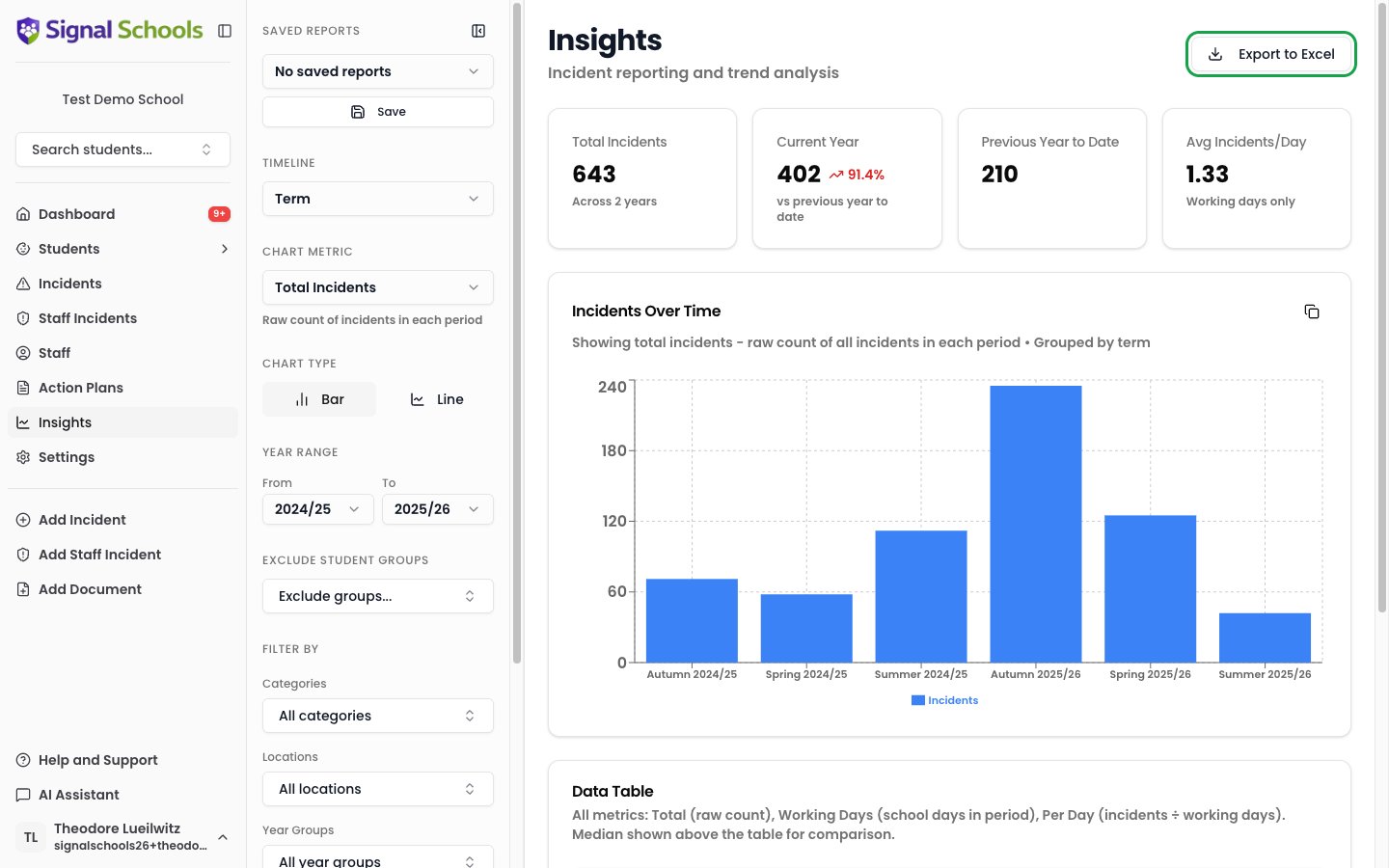
Click Export to Excel to download your filtered data as a multi-sheet Excel file. The export includes:- The raw data behind your charts, organised into clear spreadsheet tabs.
- Summary information including the filters you applied and the academic years covered.
Saved reports
If you regularly produce the same reports — termly Ofsted preparation, half-termly governor updates, or monthly category reviews — you can save your filter and chart configurations for instant reuse.Creating a saved report
1
Set up your filters and chart
Apply the filters and choose the chart type that matches the report you want to save.
2
Save the configuration
Click Save Report and give it a descriptive name, such as “Autumn Term Governor Report” or “Monthly Neglect Overview.”
Loading a saved report
Open your saved reports list and select the one you need. Signal applies the saved filters and chart settings, updating the data to reflect the latest records. Your saved configuration loads instantly — no need to remember which filters to apply each time.Sharing chart images
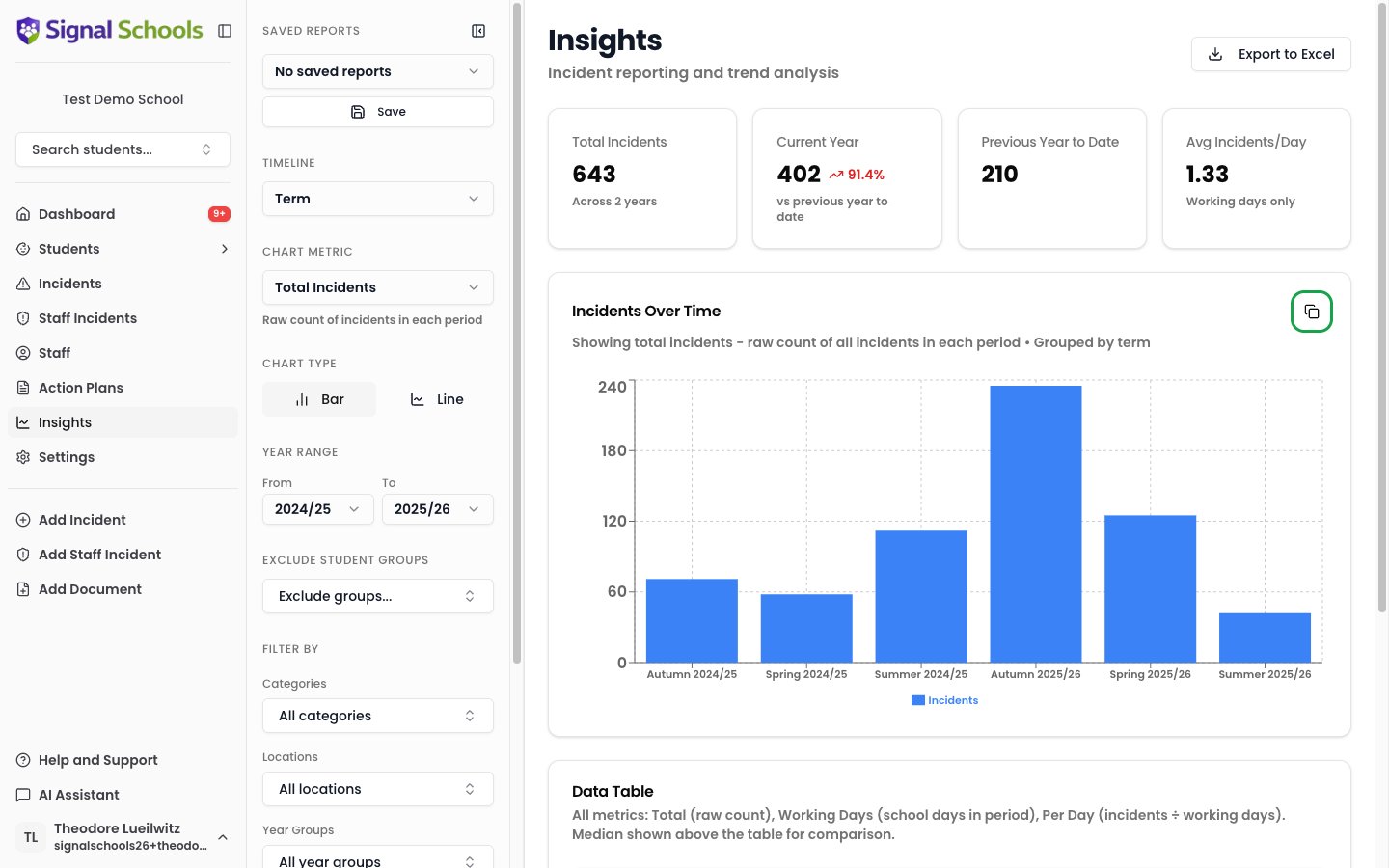
You can copy a chart image to your clipboard for pasting into presentations, emails, or documents. This is useful when you need a visual to include in a PowerPoint for governors or an email to your trust.