
What is Parent Mode?
Parent Mode is a privacy toggle designed for use during face-to-face meetings with parents or carers. When activated, sensitive safeguarding information is hidden from the screen, allowing you to reference a student’s record without accidentally exposing confidential details.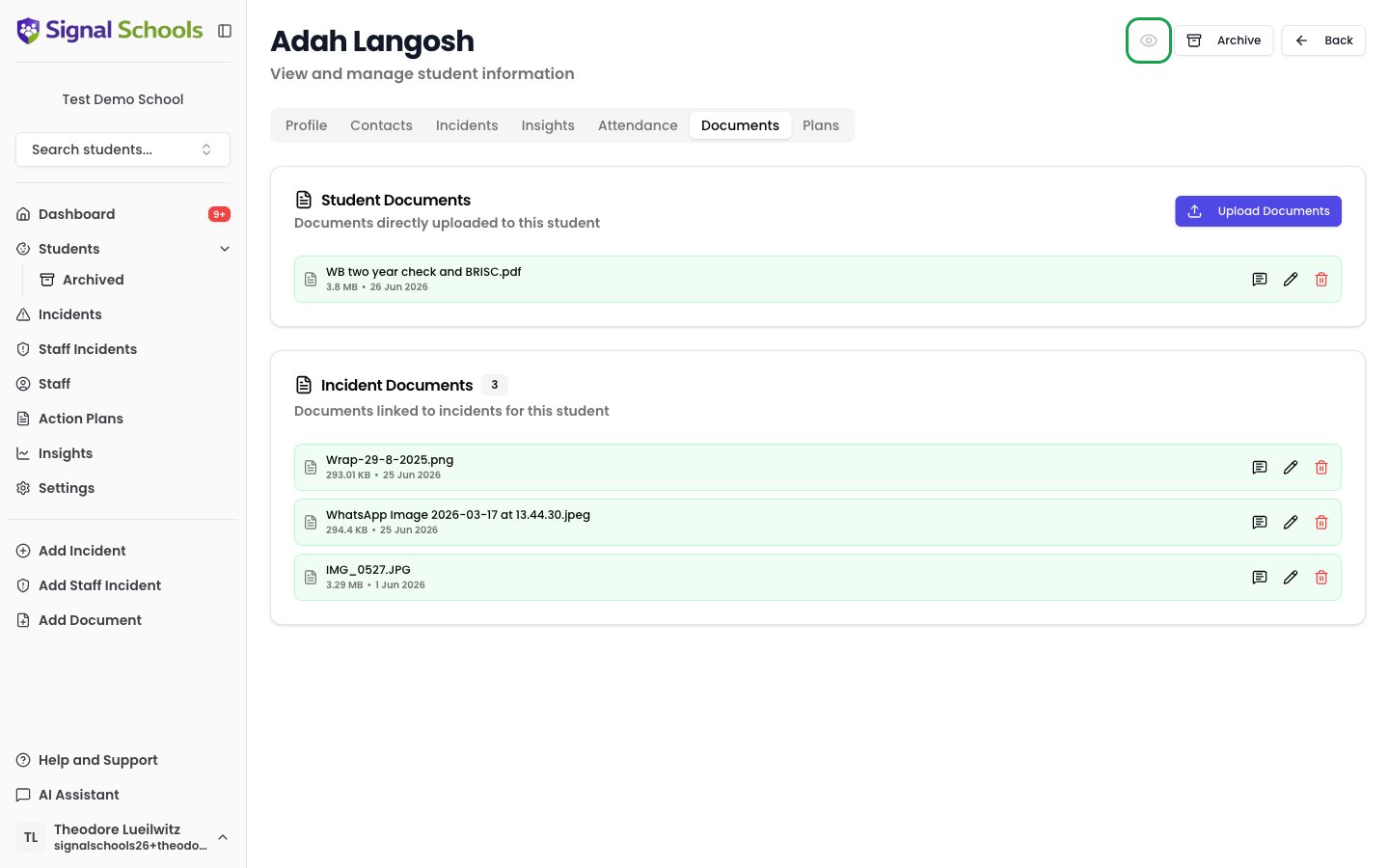
When to use Parent Mode
Parent Mode is useful when you need to:- Discuss a student’s progress during a parent meeting while Signal is open on screen
- Share your screen during a virtual meeting with parents
- Reference records at your desk when parents or visitors are nearby
How it works
1
Activate Parent Mode
Open the student’s profile detail view and toggle Parent Mode on. Incidents in hidden categories are immediately concealed.
2
Use Signal during your meeting
Navigate Signal as normal. Parent Mode stays on wherever you go — every page and every student — not just the profile you turned it on from.
3
Deactivate when finished
Toggle Parent Mode off from a student’s profile detail view to return to the full view with all information visible.
What is hidden?
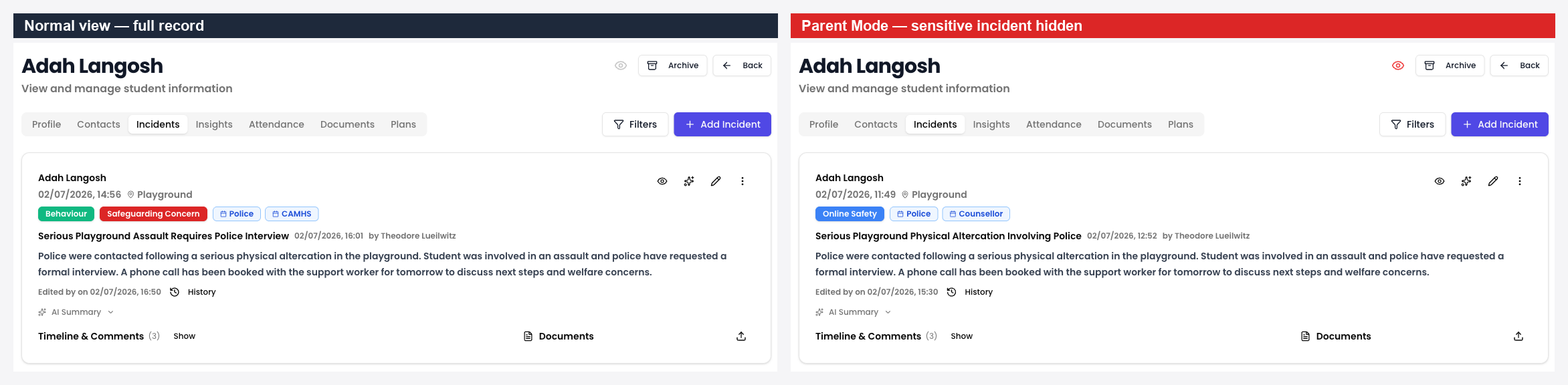
When Parent Mode is active, incidents in hidden categories are concealed — that is, any incidents belonging to categories your school has marked “Hide in parent mode” no longer appear. Deleted incidents are hidden too. This filtering applies on the student’s Incidents and Insights tabs, and to the relationship graph.Configuring hidden categories
You can control which categories are hidden in Parent Mode from Settings > Categories. Each category has a “Hide in parent mode” option that determines whether incidents in that category are concealed when Parent Mode is active. This gives you fine-grained control over what parents see. For example, you might choose to hide sensitive categories such as child protection or staff conduct, while leaving general behaviour or attendance categories visible.Important notes
- Parent Mode stays on until you turn it off — it does not switch itself off when you move to another student or close the tab
- It is remembered by the browser, not your account. On a shared computer the next person to use Signal inherits it, and may be looking at a record with incidents missing without realising. Turn it off when your meeting ends
- Parent Mode applies to your own view only — it does not change what other staff members see
- No data is deleted or modified — everything is still there when you turn Parent Mode off
- Parent Mode is available to every role that can open a student’s profile, including Contributors