
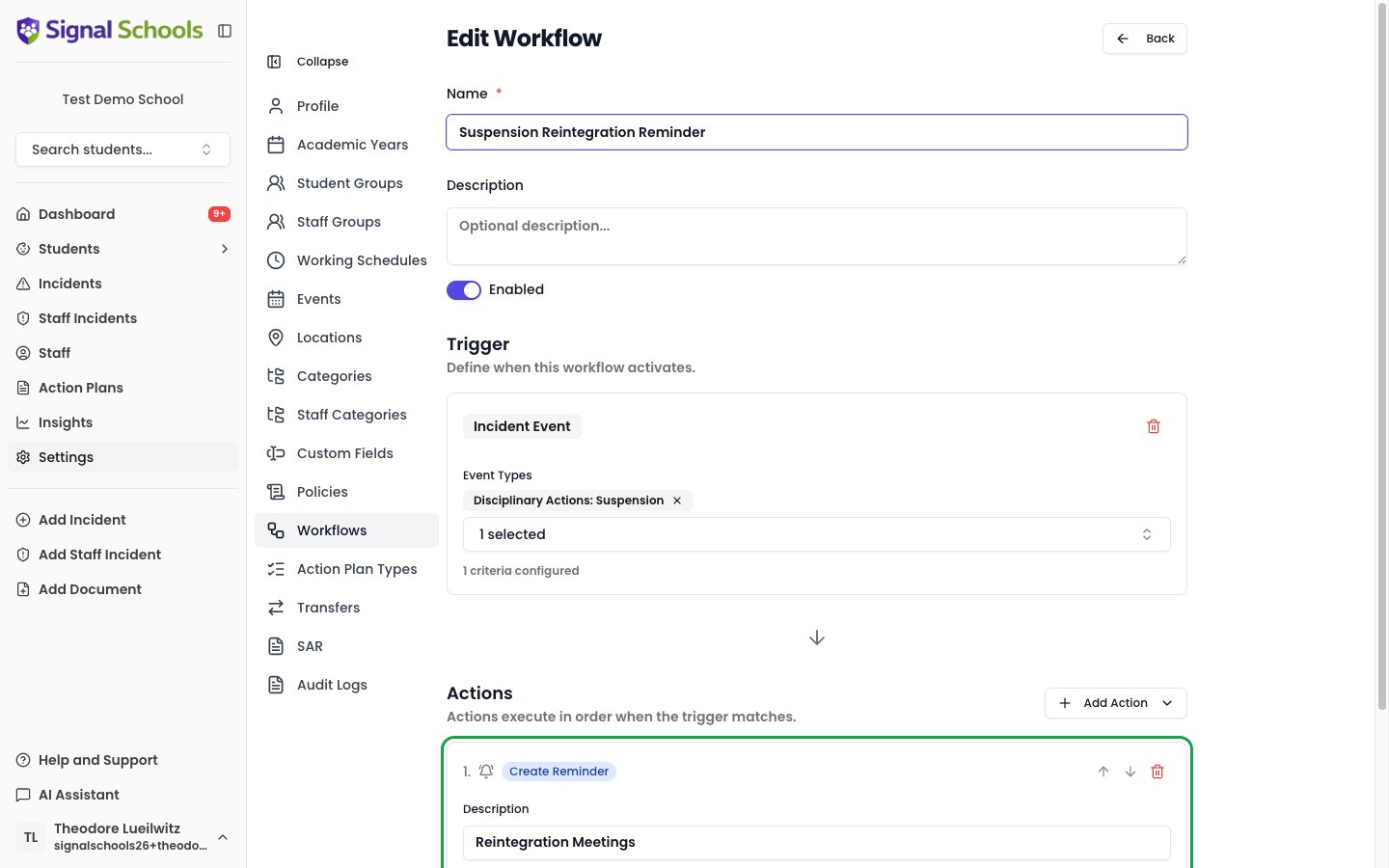
How it works
When an incident (or an event added to an incident) matches the workflow’s triggers, the Create Reminder action adds a reminder to that incident automatically. It appears in the incident’s Reminders section and in the assigned person’s due reminders, exactly like a reminder added by hand.Configuring the action
When you add a Create Reminder action to a workflow, you set:- Description — the text of the reminder, e.g. “Review this case with the safeguarding team”.
- Due (days after incident) — how many days after the incident (or event) date the reminder is due. For example,
7sets the due date one week later. - Assign To — choose DSLs (the default) so it becomes a task for the safeguarding team, or Incident Creator to assign it to the person who created the incident.
When it runs
The Create Reminder action runs whenever the workflow matches:- When a new incident is recorded that matches the triggers.
- When an event is added to an incident and matches an event-based trigger — with the due date calculated from the event’s date.